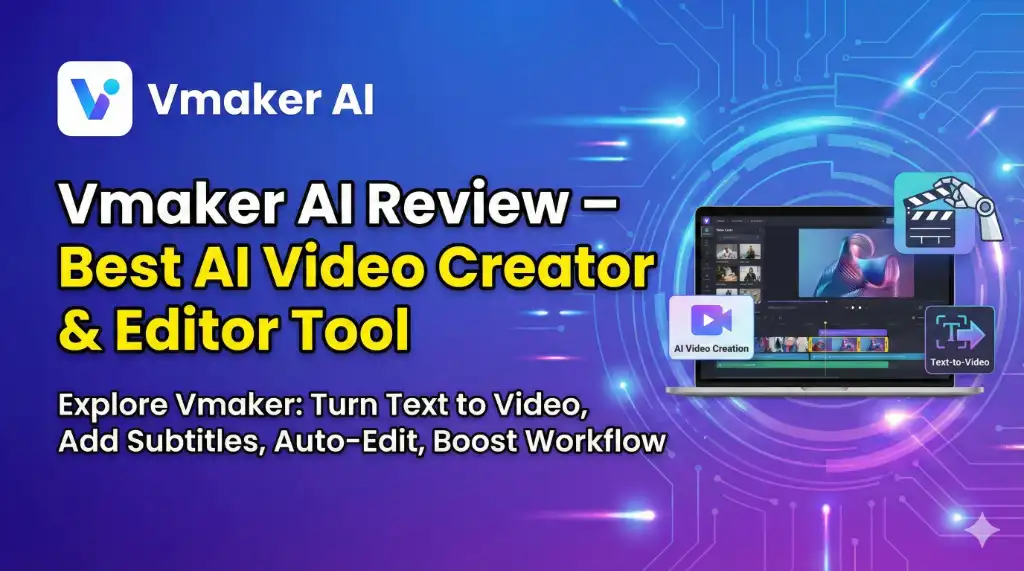
If you’re a creator, marketer, or business owner, you already know how demanding video production can be—shooting, editing, rendering, captioning… the entire workflow eats up hours.
But imagine if a tool could take your text, script, voice note, or even a simple document and instantly turn it into a polished, ready-to-publish video.
- No editing timeline.
- No complicated software.
- No technical learning curve.
That’s exactly what Vmaker brings to the table.
Vmaker combines artificial intelligence with simple, cloud-based editing to help you create scroll-stopping videos in minutes—not hours. From AI editing to auto subtitles, animations, templates, and seamless exports, it transforms the way you create content.
In this review, we will break down everything you need to know—features, benefits, pricing, pros and cons, and whether it’s the right tool for you.
Vmaker is an AI-powered video creation and editing platform designed to convert text, voice, documents, and scripts into high-quality videos within minutes. It helps creators, marketers, trainers, coaches, and businesses produce professional videos with automated editing, subtitles, templates, transitions, and more—without any prior video editing skills. It is fast, beginner-friendly, cloud-based, and perfect for YouTube, Instagram Reels, Shorts, training videos, product demos, and marketing content.
Let’s dive in.
What is Vmaker?
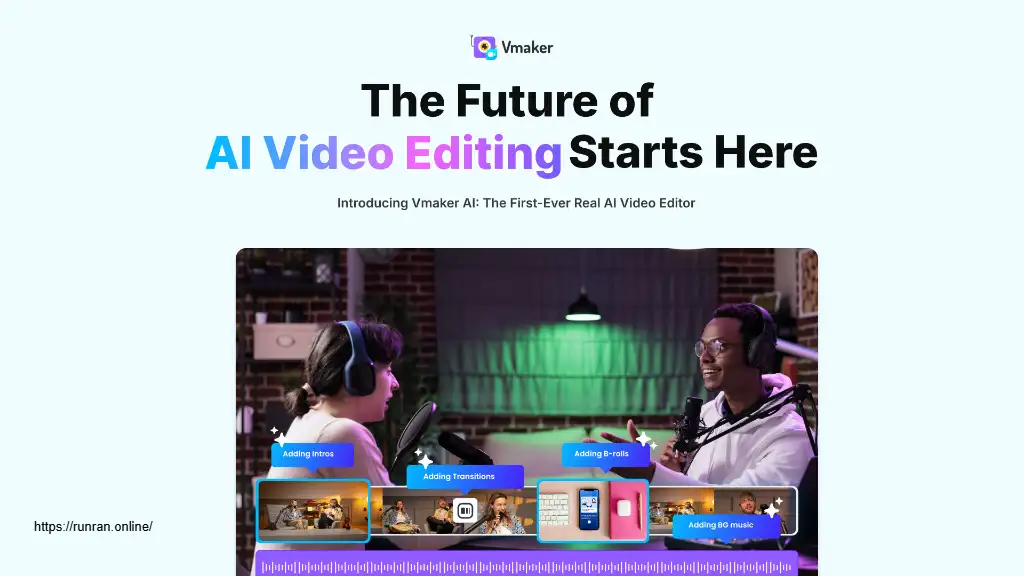
Vmaker is an AI video creation and editing tool that helps you produce videos using:
- Text
- Voice notes
- Scripts
- Documents
- Your camera
- Screen recordings
Whether you want a marketing video, training video, explainer, social media clip, or YouTube content, Vmaker automates most of the heavy lifting.
Think of it as your AI video assistant that:
- Creates videos
- Edits them
- Adds subtitles
- Removes mistakes
- Cuts pauses
- Adds transitions
- Enhances audio
- And exports in HD
—all by itself.
It’s designed for beginners but powerful enough for agencies and professionals.
Who Should Use Vmaker?
Vmaker is perfect for:
Content creators – Generate Reels, Shorts, talking videos, or tutorial clips instantly.
YouTubers – Turn scripts or text notes into YouTube-ready videos.
Digital marketers – Create ads, product demos, promotions, and landing page videos.
Coaches & educators – Record lectures, training videos, and tutorials effortlessly.
Businesses & teams – Great for onboarding videos, presentations, and communication.
Social media managers – Produce large volumes of content quickly for multiple platforms.
If video is a part of your workflow—Vmaker will save you time, effort, and money.
Key Features of Vmaker
1. AI Video Creation From Text
This is Vmaker’s most powerful feature.
Just type or paste your content—Vmaker automatically:
- Converts text into video
- Generates scenes
- Adds voiceover (AI or upload your own)
- Adds matching visuals or footage
- Applies transitions and animations
Perfect for:
- YouTube scripts
- Instagram Reels
- TikTok content
- Training modules
- Product tutorials
- Explainer videos
Within minutes, you’re ready to publish.
2. AI-Powered Video Editing
Editing becomes effortless with AI features like:
- Auto-cut (removes dead air and mistakes)
- Silence removal
- Umms & filler word removal
- Smart trimming
- Scene detection
- Auto background noise reduction
Even if you have no editing skills, your video still looks clean and professional.
3. Animated Subtitles & Captions
Subtitles are essential today—they boost retention and allow viewers to watch videos silently.
Vmaker offers:
- Auto subtitle generation
- Animated captions
- Style presets
- Multilingual subtitles
- Highlight effects
Perfect for Shorts and Reels.
4. AI Short Clips Generator
Got a long video?
Vmaker can automatically extract viral-ready short clips.
It identifies the best hooks, creates micro-videos, and formats them for:
- Instagram Reels
- YouTube Shorts
- TikTok
5. Screen + Webcam Recording
Vmaker is also a powerful recorder.
Perfect for:
- Tutorials
- Presentations
- Product demos
- Walkthroughs
- Online courses
You can record:
- Screen
- Webcam
- Screen + webcam
- With voice-over
- With annotation tools
6. Ready-Made Templates
Choose from pre-designed templates for:
- Social media
- Marketing
- YouTube
- Business presentations
- Slideshows
- Training videos
Just pick a template… customize… export.
7. Cloud-Based Workspace
No heavy software. No downloads.
Everything is online, which means:
- Works on any device
- Access projects anywhere
- Easy team collaboration
- No rendering lag
8. Team Collaboration Tools
Great for companies and agencies:
- Shared libraries
- Role-based access
- Commenting & feedback
- Version history
Allows teams to work faster and stay aligned.
Advantages of Vmaker
- Fast, time-saving AI workflow – Create videos 10x faster.
- No technical skills needed – Made for beginners.
- Affordable compared to traditional editors – Cheaper than hiring editors or buying expensive tools.
- Excellent for short-form content – Perfect for Reels, Shorts & TikTok.
- Cloud-based and lightweight – No laptop heating, no heavy CPU usage.
- Ideal for businesses and marketers – Great for product demos and training.
Vmaker Pricing (2025 Update)
Vmaker offers flexible plans depending on usage.
Note: Pricing may vary based on region and use case. These ranges reflect typical SaaS tiers.
1. Free Plan
- Limited exports
- Basic editor
- Watermarked videos
Good for beginners exploring the tool.
2. Starter Plan (Affordable Range)
Ideal for regular social media creators.
Includes:
- HD exports
- Auto subtitles
- Basic editing
- Templates
3. Pro Plan (Most Popular)
Designed for marketers, trainers & YouTubers.
Includes:
- Unlimited exports
- Advanced AI editing
- Animated subtitles
- Long video editing
- Stock library access
4. Team/Enterprise Plan
Best for companies & agencies.
Includes:
- Team workspace
- Role management
- Priority support
- Custom integrations
You pay for what you need—Vmaker scales with your business.
Pros & Cons of Vmaker
Pros
- Extremely easy to use
- Fastest text-to-video tool in its category
- Great for creating short-form content
- Cloud-based (no installations required)
- AI editing saves hours
- Affordable compared to traditional editors
- Good customer support
Cons
- Internet connection required
- Advanced users may want more manual controls
- Some features depend on paid plans
- Cloud rendering may be slow during peak hours
Why Vmaker Stands Out
As someone who has worked in content production and SEO for years, I’ve seen dozens of tools come and go. But Vmaker stands out for one simple reason:
It makes video creation accessible to everyone.
You don’t need editing skills.
You don’t need expensive software.
You don’t need a powerful laptop.
You don’t even need a camera sometimes.
The combination of text-to-video, AI editing, auto subtitles, and cloud workspace makes it a complete package for modern digital creators.
If you are a YouTuber, coach, marketer, business owner, or someone who needs to produce videos regularly, Vmaker is a massive productivity booster.
Frequently Asked Questions (FAQs)
1. Is Vmaker good for beginners?
Yes. It’s one of the easiest video creation tools available. Even complete beginners can create videos without learning editing skills.
2. Can Vmaker create videos from text?
Absolutely. Just paste your script, and Vmaker generates a full video with scenes, transitions, and AI voice-over.
3. Does Vmaker support subtitles?
Yes. It auto-generates subtitles and lets you style them with animations.
4. Is Vmaker suitable for YouTube?
Yes. You can create YouTube videos, intros, tutorials, and Shorts easily.
5. Can I use Vmaker for business videos?
Definitely. It’s ideal for product demos, training videos, onboarding, presentations, and internal communication.
Conclusion: Should You Use Vmaker?
If you want to create high-quality videos quickly without spending money on editors or struggling with complicated software, Vmaker is absolutely worth it.
It’s fast, beginner-friendly, affordable, and packed with AI features that simplify video creation from start to finish.
Whether you are growing a brand, creating content, teaching online, or running marketing campaigns—Vmaker helps you produce professional videos in minutes.
Looking for an all-in-one tool to create, edit, and publish videos faster?
Vmaker is a smart choice. Try it and see the difference.